A fast, private clipboard manager that lives in your menu bar — and remembers everything you copy.
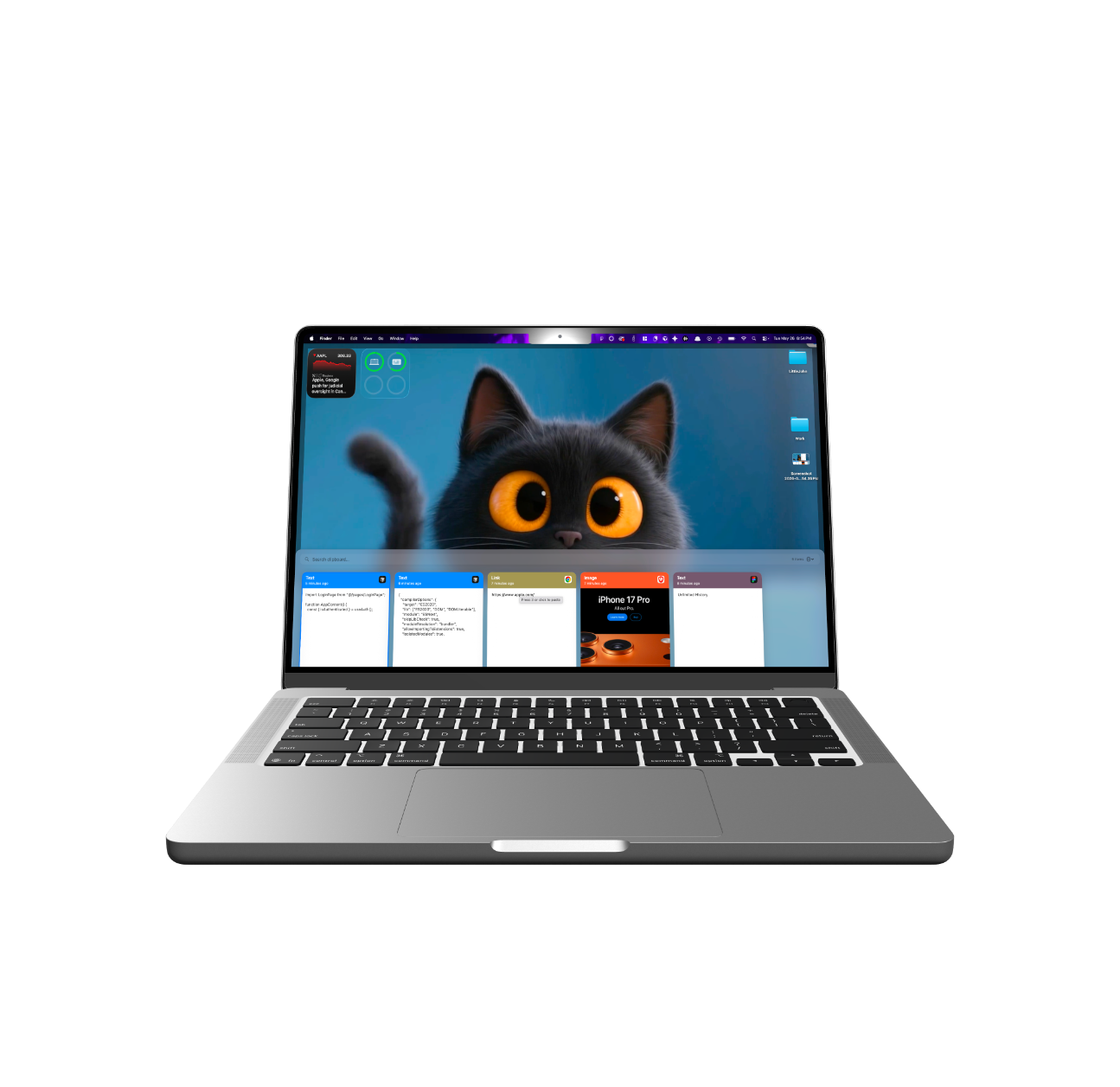
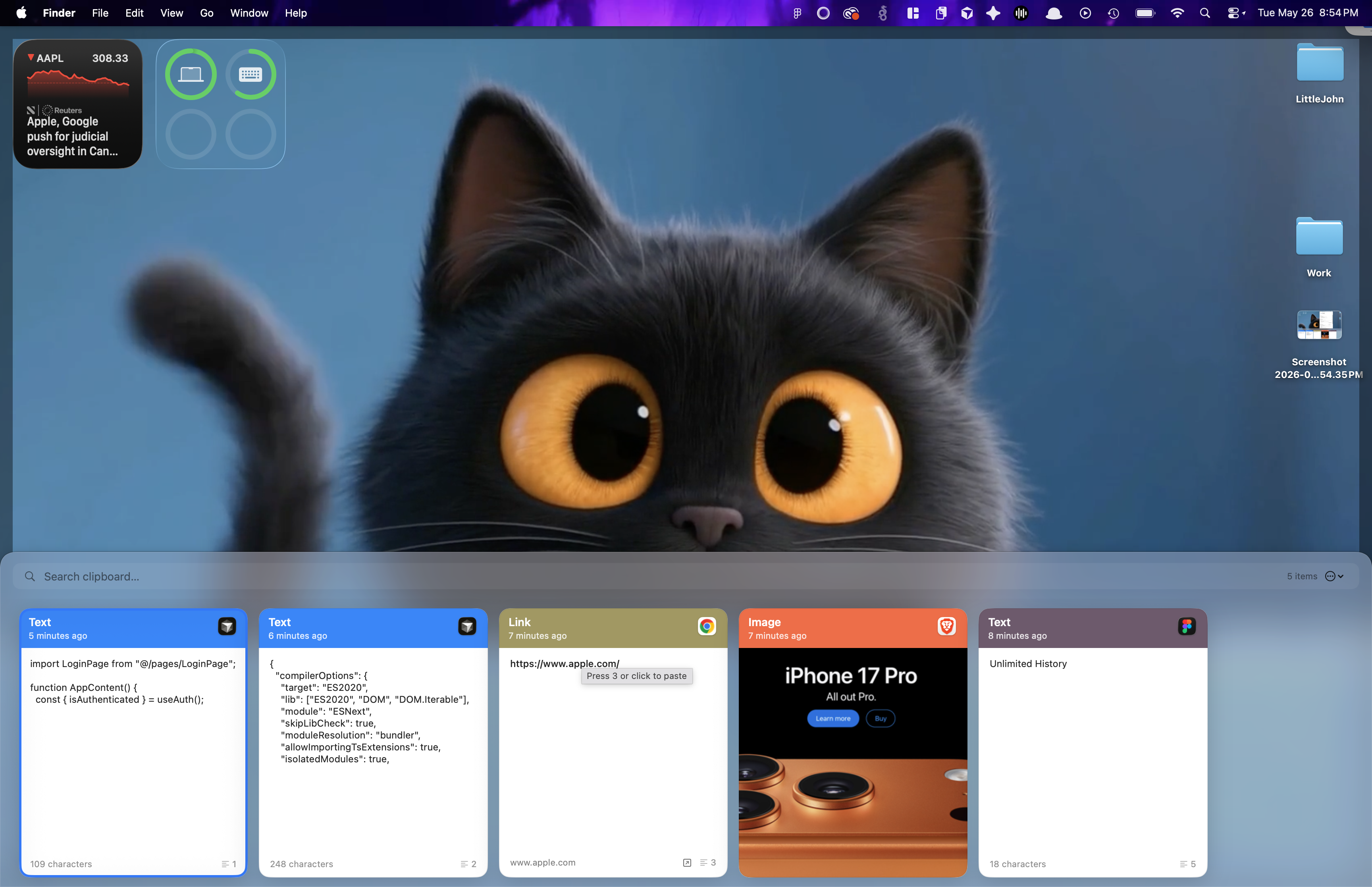
Freepaste captures everything you copy and lays it out as a scrollable row of cards — colour-coded by the app it came from.
Plain text, rich text, HTML, links, images, PDFs, colors and files — all captured and kept in a searchable history. Each card shows exactly where the clip came from.
One global shortcut slides the bar up from the bottom of the screen, over whatever you're working in.
Filter by content, source app or file path. Hit Return to paste the top match instantly.
Pin go-to clips to the front. Pinned items never expire and survive “Clear History.”
Hold Option while picking a clip to strip all formatting and paste it as clean plain text.
Open a link in your browser, copy a color as an rgb(…) string, reveal a copied file in Finder, or save a copied image or PDF straight to disk.
Everything in Freepaste is one keystroke away. Open it, find it, paste it — hands stay on the keys.
No account. No subscription. No sync to anyone's servers. History stays local — and Freepaste is built to leave sensitive data alone.
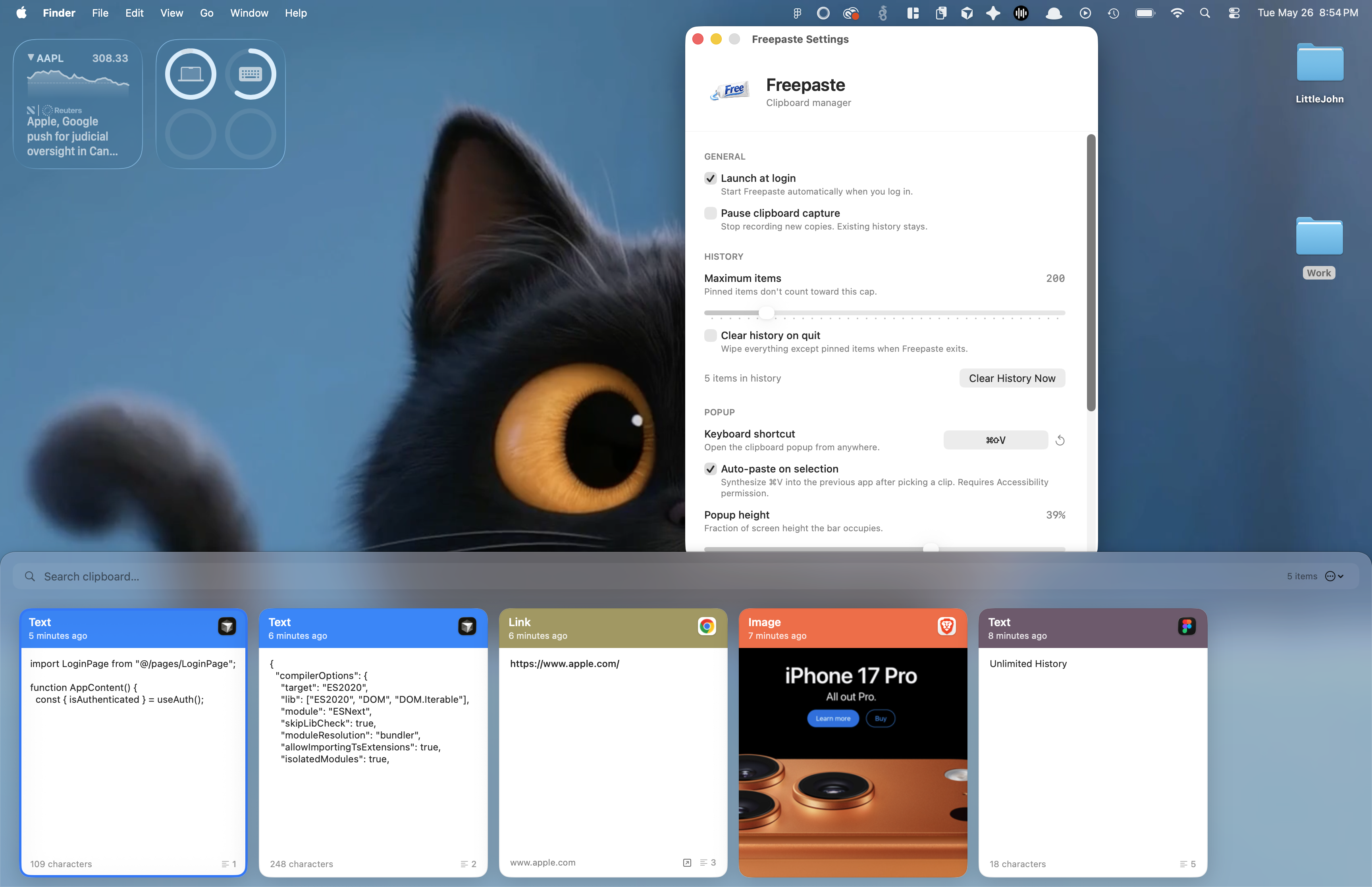
Open Settings with ⌘, and make Freepaste yours.
Signed and notarized by Apple, so it opens with no Gatekeeper warning.
The fastest route if you already use Homebrew. One command and you're done.
brew install --cask bluehatkeem/tap/freepaste
Grab the disk image and drag Freepaste.app into your Applications folder.
Download Freepaste 1.0 (.dmg)fbe0c43f13f7c0006f9fb17355e3f39facd4c88800e5b89491b0e11fefced95b
A full-featured clipboard manager that's fast, private, and free — forever.